
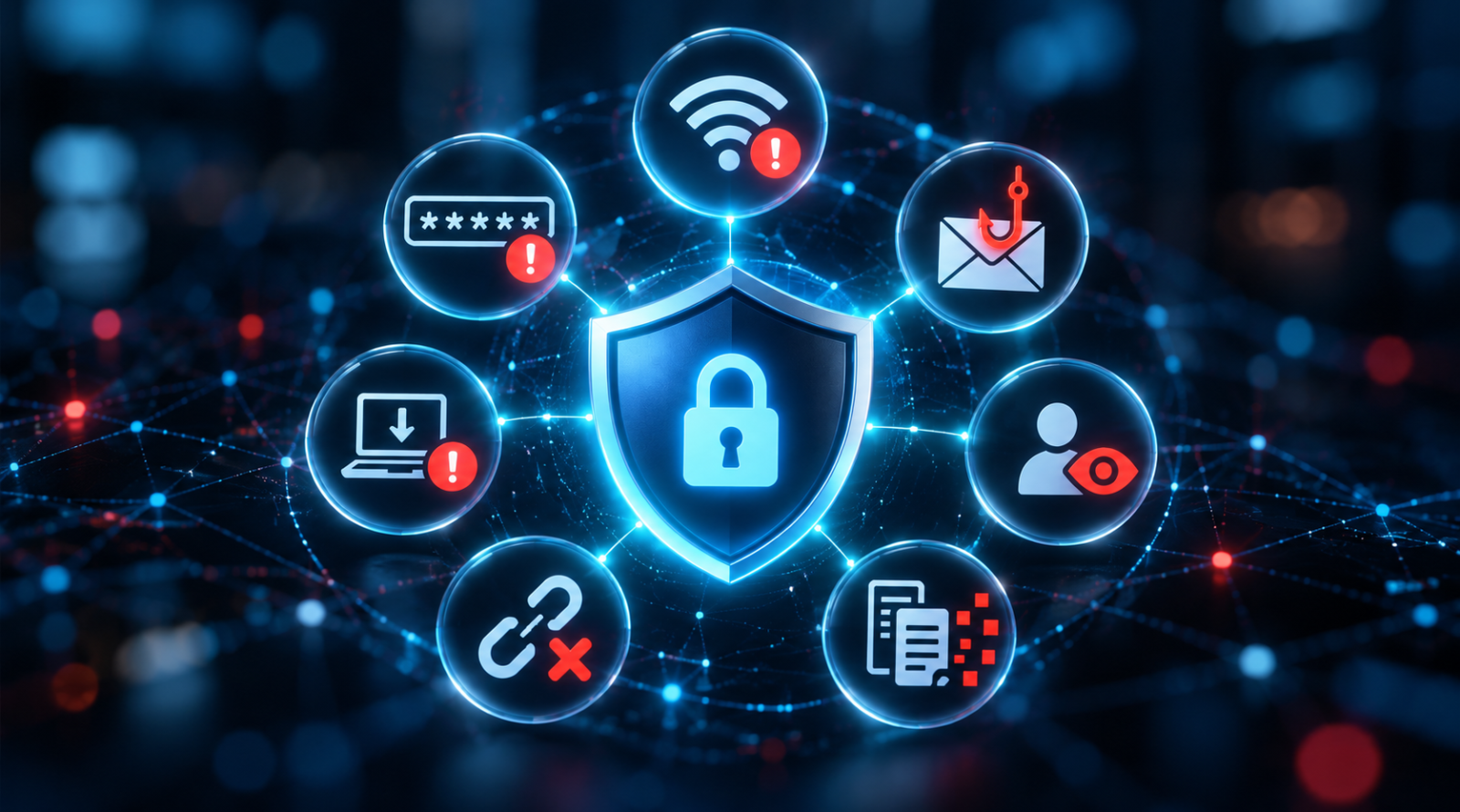
VPN Security Mistakes: 7 Things Users Should Avoid
This article is also available in:
 Arabic
  German
  French
Using a VPN can be one of the simplest ways to improve your online privacy and security. Whether you’re browsing from home, connecting to public Wi-Fi, traveling abroad, or working remotely, a Virtual Private Network (VPN) can encrypt the connection between your device and the VPN server and help prevent people on the local network from easily seeing your internet traffic.
But there’s an important catch: simply installing a VPN doesn’t automatically make everything you do online safe. From choosing an unreliable provider to assuming a VPN makes you completely anonymous, small mistakes can undermine the protection you expect.
Here are 7 common VPN security mistakes you should avoid
1. Choosing a VPN Based Only on Price
Free sounds good – but when privacy is involved, price shouldn’t be the only factor.
A VPN provider potentially handles a significant amount of information about your internet connection. The FTC has warned consumers to research VPN apps carefully because some services may request unnecessary permissions, use inadequate encryption, or share information with third parties.
Before choosing a VPN, look beyond the price and consider:
- The provider’s privacy policy
- What information it collects
- Its encryption and VPN protocols
- Whether it offers a kill switch
- DNS leak protection
- Independent security audits, when available
- The company’s reputation and history
A reputable free VPN can be useful for occasional browsing, but don’t assume that every free service offers the same privacy standards as a trustworthy paid provider.
Bakarato Tip: If a VPN is completely free, take a few minutes to understand how the company makes money before routing your internet traffic through it.
2. Assuming a VPN Makes You Completely Anonymous
This is probably one of the biggest VPN misconceptions. A VPN can hide your public IP address from the websites you visit and prevent your local network or internet provider from directly seeing some details of your browsing traffic. However, it does not make you invisible online.
For example, if you sign into Google, Facebook, Amazon, or another personal account, that service still knows you’re logged in. Websites can also use cookies, browser characteristics, account activity, and information you voluntarily provide to identify or track you. The FTC specifically notes that VPNs generally don’t make users completely anonymous – they effectively shift some trust from the local network or internet provider to the VPN provider.
Think of a VPN as an important privacy layer, not an invisibility cloak.
3. Forgetting to Turn the VPN On
It sounds obvious, but it’s an easy mistake.
You open your laptop at an airport, hotel, café, or coworking space, connect to Wi-Fi and start checking email – only to realize 20 minutes later that your VPN wasn’t connected.
Public networks warrant extra caution because you don’t control how they’re configured or who else uses them. CISA recommends using an authorized VPN or other secure access solution when connecting through public internet connections, particularly for work-related activity. If your VPN offers auto-connect, consider enabling it for untrusted networks. Many services also provide a kill switch, which can block internet access if the VPN connection unexpectedly drops. This helps prevent your device from quietly returning to its normal internet connection without you noticing.
4. Ignoring VPN and Device Updates
VPN software isn’t something you should install once and forget about. Like browsers, operating systems, routers, and other software, VPN applications and infrastructure can contain vulnerabilities. Updates may include security patches, bug fixes, compatibility improvements, and other protections. CISA repeatedly recommends keeping VPN products updated and emphasizes that a VPN is only as secure as the devices connected through it.
Enable automatic updates where practical, and keep your:
- VPN application
- Operating system
- Web browser
- Router firmware
- Security software
up to date.
Security is strongest when every layer is maintained – not just the VPN.
5. Believing a VPN Protects You From Phishing and Every Online Threat
A VPN can encrypt network traffic, but it can’t stop you from voluntarily entering your password into a convincing fake website. If you receive a phishing email and click a malicious link, your VPN won’t necessarily recognize that the website is fraudulent. The same principle applies to malicious attachments, scams, compromised accounts, and social engineering. CISA recommends combining good cybersecurity habits such as recognizing phishing attempts, using strong passwords, and enabling multifactor authentication (MFA). So even when you’re connected to a VPN:
Think before you click. Check website addresses carefully, be cautious with unexpected messages, and never send passwords or authentication codes to someone simply because they ask for them.
6. Using the Same Weak Password Everywhere
Your VPN password is still a password – and it needs protection. If you reuse the same password across your VPN, email, social media, shopping accounts, and other services, one compromised account could potentially put others at risk. Use a unique, strong password for your VPN account and consider using a reputable password manager to generate and store unique credentials.
More importantly, enable multifactor authentication (MFA) when your VPN provider supports it. NIST recommends enabling MFA for sensitive accounts and notes that businesses should consider stronger authentication methods for remote access. A VPN protects your connection. Strong authentication helps protect access to your account. You need both.
7. Thinking a VPN Is Your Entire Security Strategy
Perhaps the biggest mistake is expecting one application to handle all of your cybersecurity needs. VPNs are useful, but they have limitations. Even enterprise VPN deployments can face risks from software vulnerabilities, configuration problems, compromised devices, and overly broad network access. CISA has highlighted these limitations while encouraging organizations to consider broader approaches such as Zero Trust, Secure Service Edge (SSE), and Secure Access Service Edge (SASE). For everyday users, the lesson is simpler: use a VPN as one part of a broader security strategy.
Combine it with:
- Strong, unique passwords
- Multifactor authentication
- Regular software updates
- Secure Wi-Fi practices
- Phishing awareness
- Device security
- Regular backups
- HTTPS websites
- A reputable browser and security software
No single tool can protect you from every threat.
How to Use a VPN More Safely
Good VPN security doesn’t need to be complicated. Choose a provider you trust, understand its privacy policy, keep the software updated, enable useful protections such as auto-connect and a kill switch, and continue following normal cybersecurity best practices. Most importantly, remember what a VPN is designed to do.
A VPN protects your connection and can improve your privacy – but it doesn’t replace good online security habits.
Final Thoughts
VPNs remain valuable tools for people who want greater privacy, safer remote access, and additional protection when connecting through networks they don’t control. But the technology works best when users understand its limitations. Avoiding these seven mistakes can help you get more from your VPN while reducing unnecessary security and privacy risks.
The goal isn’t simply to use a VPN. It’s to use one wisely.